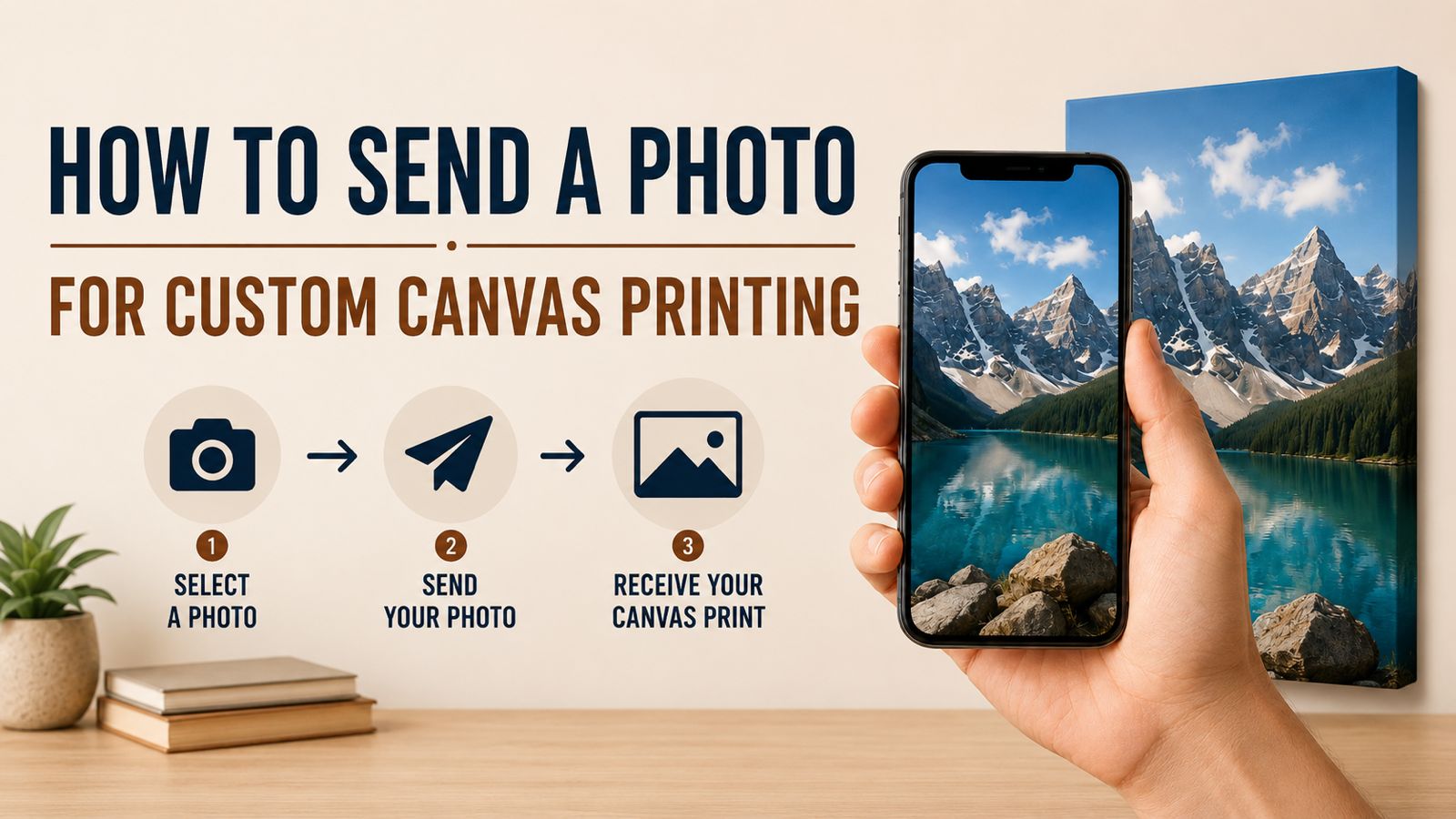
Custom canvas printing is a beautiful way to turn your favorite photo into wall art. But to get the best result, the photo you send should be clear, high-quality, and suitable for printing.
Many customers ask, “Can this photo be printed on canvas?” The answer depends on photo quality, size, lighting, and cropping. Here is a simple guide to help you send the right photo for custom canvas printing.
Send the Original Photo if Possible
Always send the original photo whenever possible. Photos downloaded from Facebook, Instagram, Messenger, or screenshots may lose quality. They may look fine on a phone screen but become blurry when printed in a larger canvas size.
If the photo is from your phone camera, send it directly from your gallery without compression.
Avoid Screenshots
Screenshots are usually not good for canvas printing. They have lower resolution and may include unwanted borders, icons, or cropped areas. If you want to print a photo, try to find the original image file instead of sending a screenshot.
Make Sure the Photo Is Clear
A good canvas print starts with a clear photo. Avoid blurry, shaky, dark, or heavily filtered images. The sharper the photo, the better the canvas will look.
If the photo is a portrait, make sure the face is clear. If it is a landscape or artwork, make sure the important details are visible.
Check the Lighting
Bright and naturally lit photos usually print better. Very dark photos may lose detail after printing. Photos taken in good daylight or with proper lighting are ideal for canvas printing.
Leave Some Space Around the Main Subject
Canvas prints usually need some extra space around the image for wrapping, cropping, or fitting into the selected size. If a face, head, text, or important object is too close to the edge, it may get cropped.
When sending a photo, choose one with enough background space around the main subject.
Choose the Right Orientation
If your photo is vertical, it will usually look better as a vertical canvas. If your photo is horizontal, it will look better as a landscape canvas. Square photos look good on square canvas sizes.
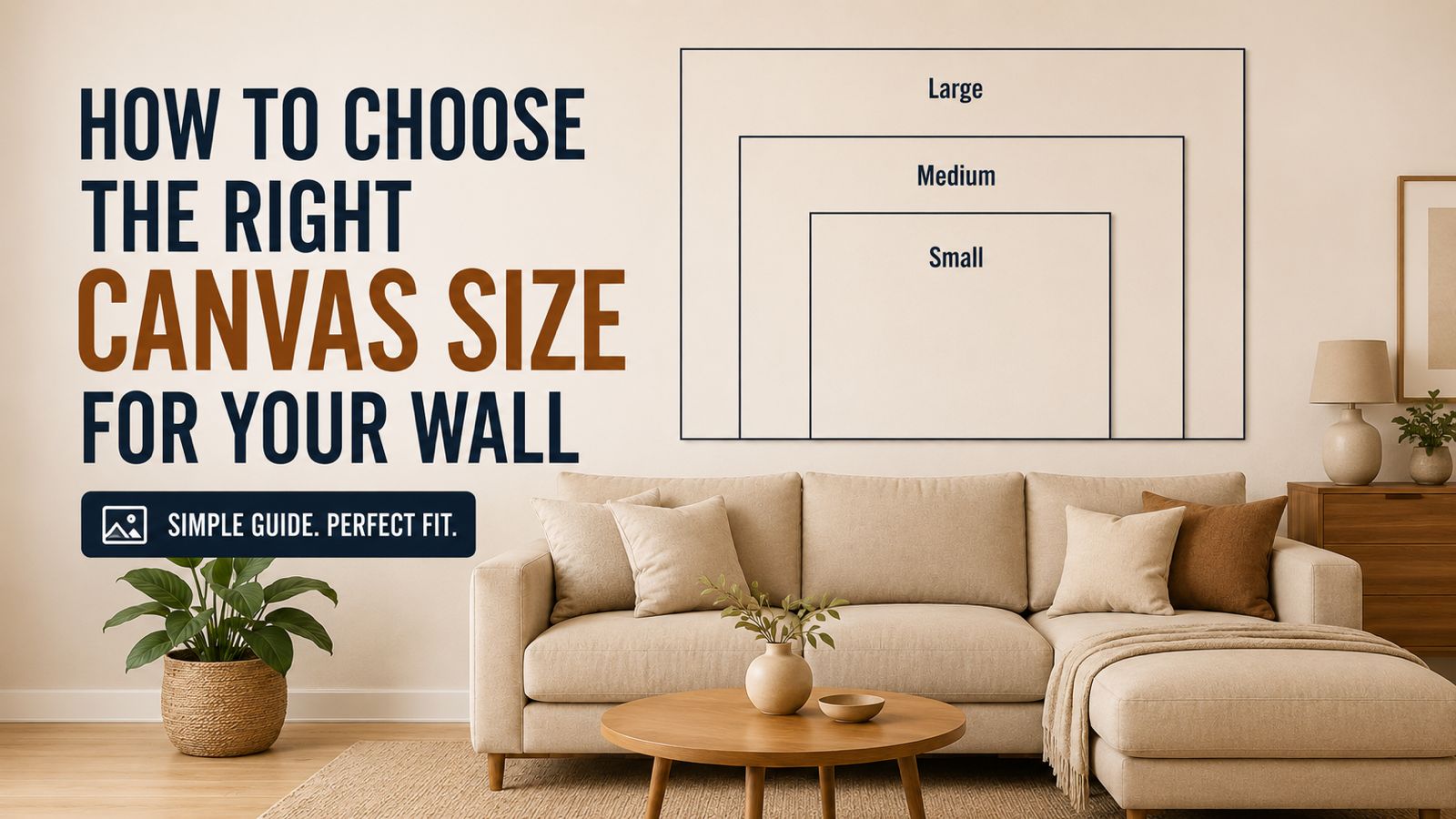
If you are unsure, Our Canvas Studio can help you choose the right size and orientation.
Can Old Photos Be Printed?
Yes, old photos can be printed, but the quality depends on the image. If you have a printed old photo, take a clear scan or high-quality photo of it in good lighting. Avoid glare, shadow, and angle distortion.
Can WhatsApp Photos Be Used?
WhatsApp often compresses images. If you send a photo through WhatsApp, choose the document/file option if available so the quality remains better. You can also send the original image through email if needed.
What We Check Before Printing
Before printing, we check whether your image is suitable for the selected canvas size. If the image is too low quality, we will guide you honestly and suggest a better size or ask for a clearer file.
Final Advice
For the best custom canvas print, send the clearest and highest-quality version of your photo. A good photo helps us create a beautiful canvas that looks sharp, bright, and professional.
Want to print your photo on canvas? Send your image to Our Canvas Studio and we will check the quality, suggest the right size, and help you place your order.